Inventory & PO Reports
Inventory Listing
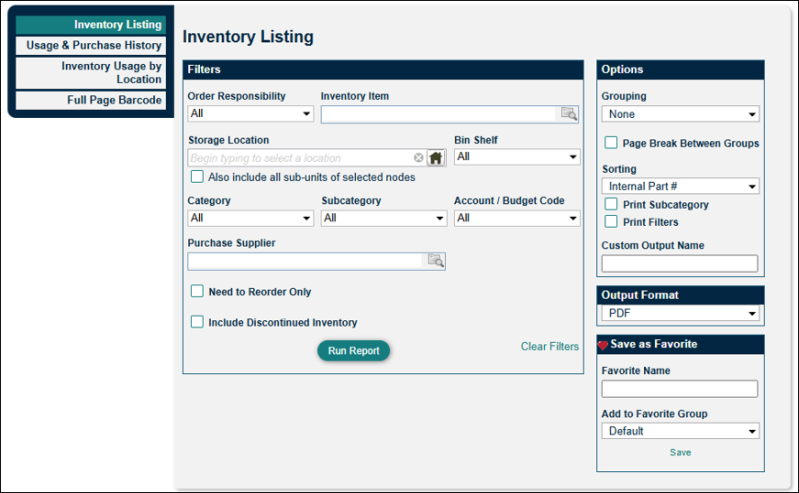
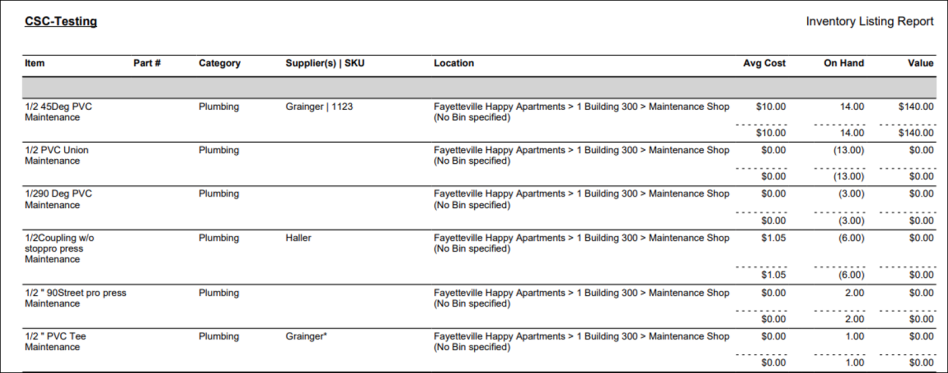
The Inventory Listing report produces a list of your on-hand inventory items and their values. This report includes filters for storage location and purchase supplier to narrow down your results. This report is great for taking stock of your inventory items.
Usage & Purchase History
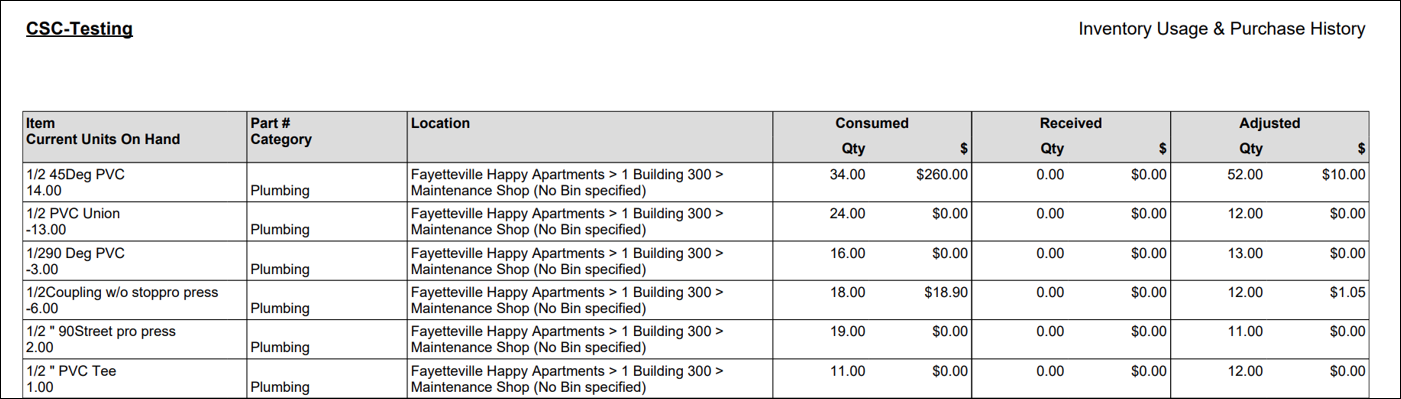
The Usage and Purchase History report provides greater insight of your inventory items, allowing you to view consumed, received, and adjusted amounts. There are also options to include the transaction data so you can track when, where, and how it was used. This report is a useful way to see the activity of specific parts, giving you insight into high-use items and helping you anticipate future ordering.

Inventory Usage by Location
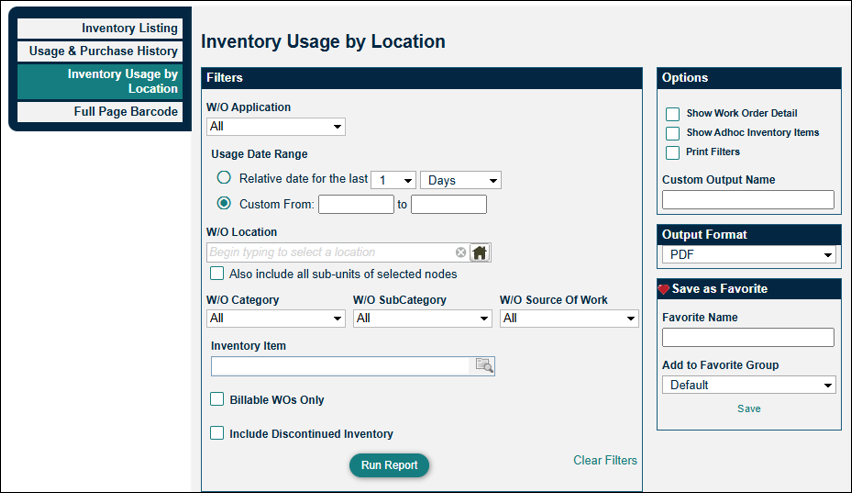
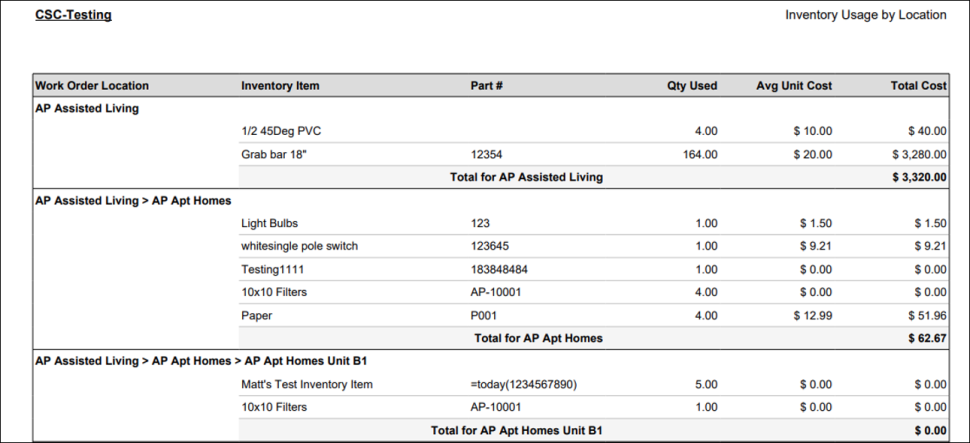
The Inventory Usage by Location report provides data by work order location for inventory items usage and cost. This report differs from the Usage and Purchase History report primarily because it focuses on locations where work orders have consumed inventory items. This allows you to determine high-consumption areas. You can also use this report to track the progress and cost of something like an LED light replacement project.
Full Page Barcode
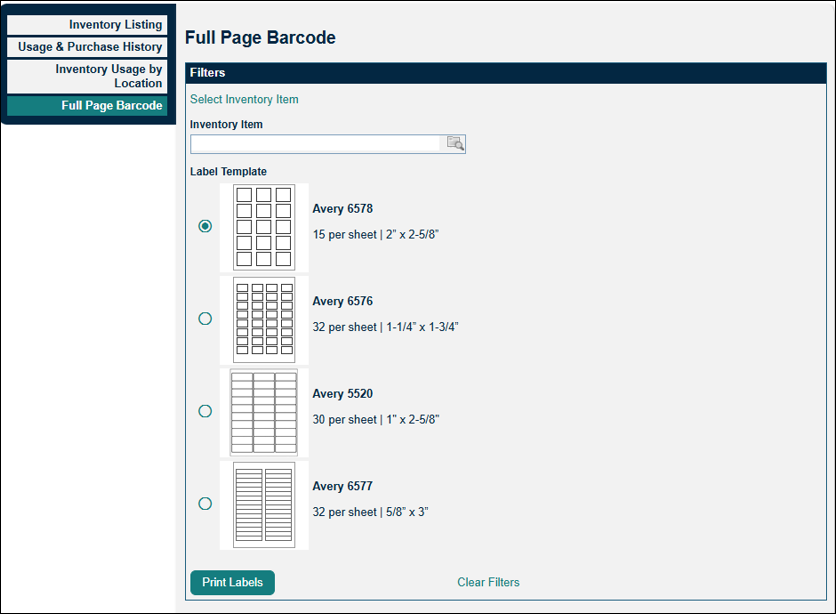
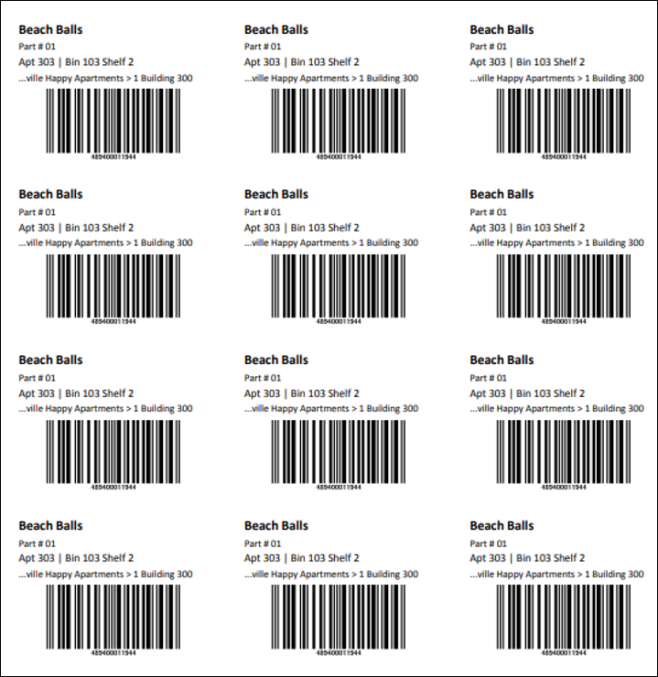
The Full Page Barcode report creates a full page of identical inventory labels selecting from four different label options. The ability to print a full page of the same barcode was put in place to allow clients to place barcodes on each individual inventory item (rather than putting a single barcode on the bin or shelf storage location) so that techs can scan that item's barcode for a work order.